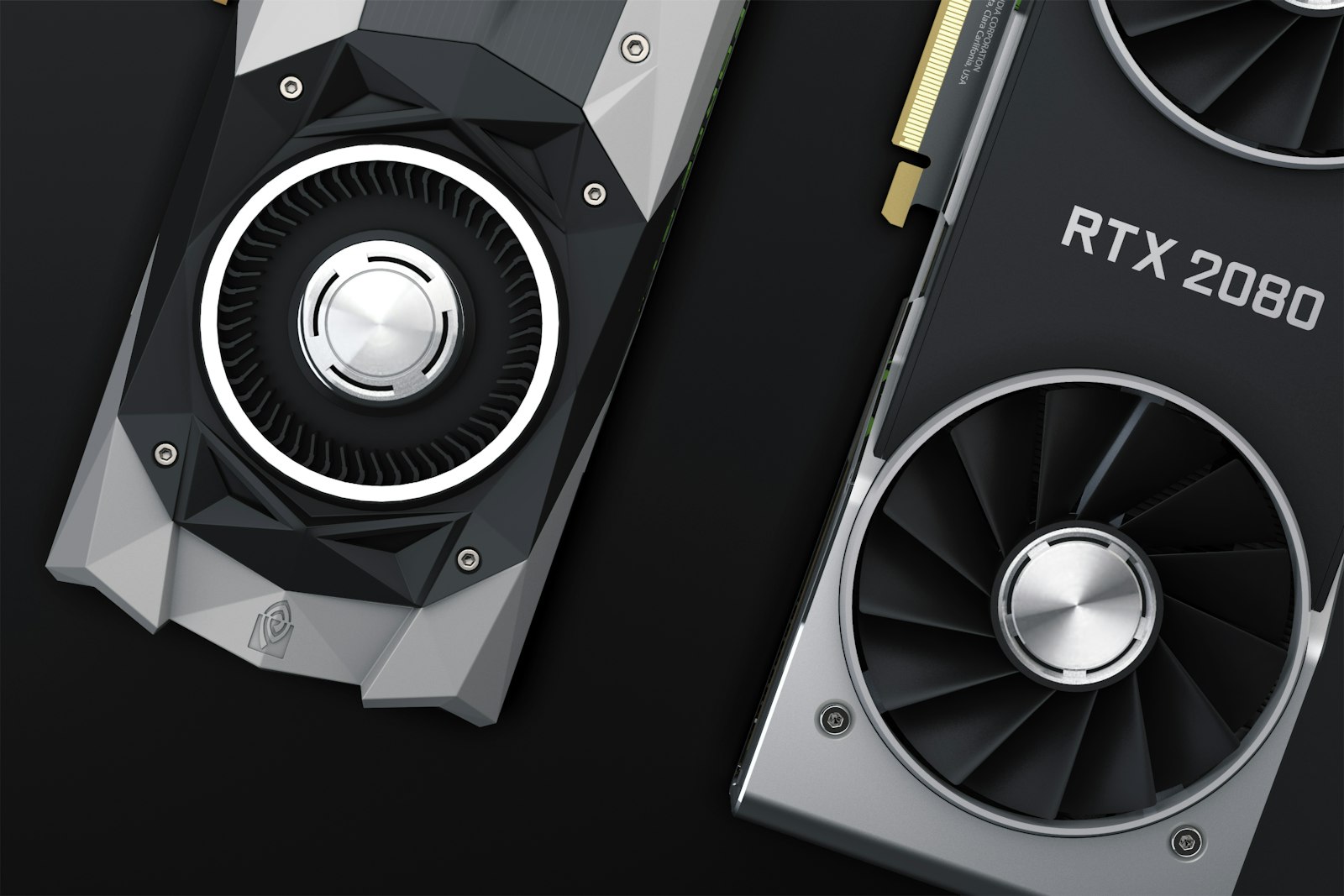
As summer pushes temperatures well above average, those running AI hardware on-premises are facing a sneaky enemy: heat. That’s exactly what happened to one owner of a DGX Spark, Nvidia’s compact workstation aimed at developers and labs, who saw the system repeatedly lock up due to overtemp during recent heatwaves. On Reddit, user Simusid offered a way out that is as simple as it is effective: a command that deliberately caps the GPU’s maximum frequency.
The command, sudo nvidia-smi -lgc 0,900, sets a 900 MHz ceiling on the card’s clock. It’s a decisive underclock, feasible on any Nvidia workstation with compatible drivers, and in this case it delivered immediate results: GPU temperature dropped from 85°C to 60°C, wiping out all lockups. There is a computational cost – inference and training slow down proportionally to the frequency reduction – but when a system can no longer complete a job, the trade-off is more than acceptable.
The DGX Spark, like other self-contained DGX systems, is meant to bring AI power into tight spaces, often offices or small edge data centers. Compared to a rack in a full-scale datacenter, however, it lacks the aggressive cooling infrastructure: redundant air conditioning, hot and cold aisles, centralized airflow management. Summer becomes an involuntary stress test, exposing just how far real-world environments can deviate from the lab conditions around which manufacturers tune default thermal curves.
Underclocking isn’t new to overclocking enthusiasts or miners, but in on-premises enterprise settings it remains a card to play with caution. On one hand, it restores stability in emergencies; on the other, it raises a red flag about site design. If a system must run 24/7 in a non-climatized room, the more forward-looking design choice might be a different cooling capacity, or even adopting solutions with lower thermal envelope GPUs, rather than relying on reactive measures like frequency capping.
The DGX Spark episode also underscores that data sovereignty and operational control – the drivers pushing many companies toward self-hosting – come with a greater dose of infrastructure responsibility. It’s not enough to buy the right hardware: you have to tend to its environmental conditions, actively monitor thermal metrics, and accept that, outside the cloud, every degree matters. For the rest of this summer, the command in question will likely stay in many users’ crontabs, waiting for a milder autumn.





💬 Comments (0)
🔒 Log in or register to comment on articles.
No comments yet. Be the first to comment!